
astro-og-canvas solves this problem elegantly. It generates Open Graph images programmatically, ensuring consistent branding while adapting to your content automatically. Let’s see how to implement it.
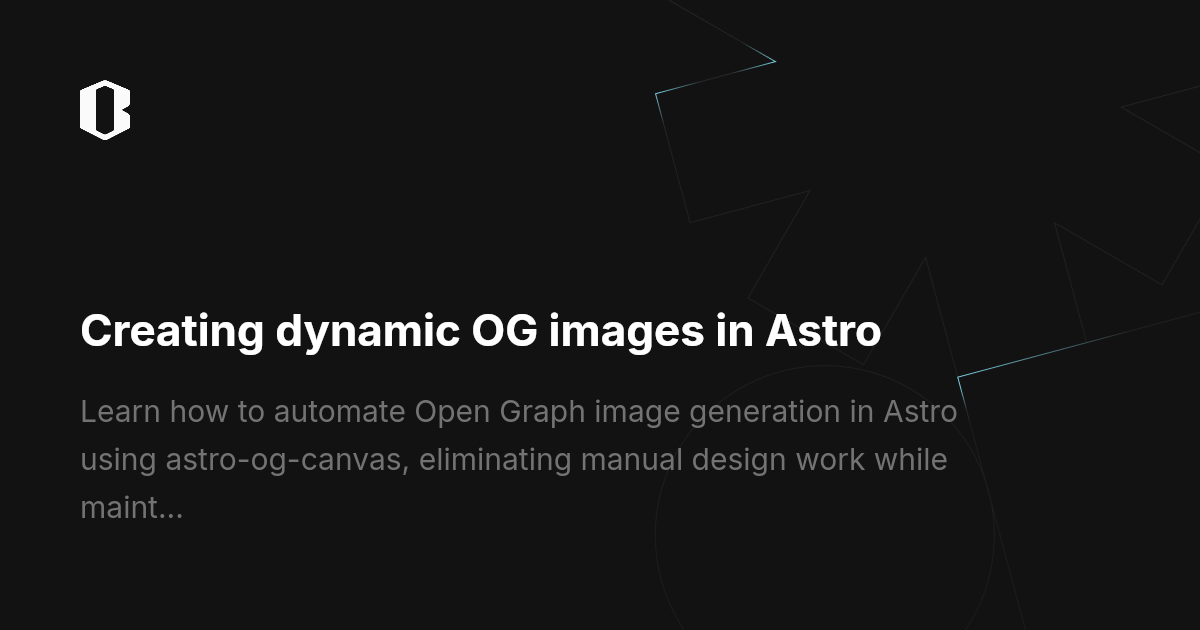
astro-og-canvas #
Setup #
pnpm install astro-og-canvas

pnpm i canvaskit-wasm
Creating an OpenGraph image endpoint
src/pages/open-graph/[...route].ts
You must replace the files with ones that support your language. The default is Simplified Chinese + English.
[...route].ts #
import { OGImageRoute } from 'astro-og-canvas';
import { getCollection } from 'astro:content';

const blogEntries = await getCollection('blog');
const memoEntries = await getCollection('memo');

const pages = Object.fromEntries([
    ...blogEntries.map((post) => [
        `blog/${post.id}`,
        {
            title: post.data.title,
            description: post.data.description || '',
        },
    ]),
    ...memoEntries.map((post) => [
        `memo/${post.id}`,
        {
            title: post.data.title,
            description: post.data.description || '',
        },
    ]),
]);

export const { getStaticPaths, GET } = OGImageRoute({
    param: 'route',
    pages: pages,

    getImageOptions: (_path, page) => ({
        title: page.title,
        description: page.description ?? "",

        fonts: [
            "./public/fonts/NotoSansSC-Bold.ttf",
            "./public/fonts/NotoSansSC-Medium.ttf",
        ],

        font: {
            title: {
                size: 56,
                lineHeight: 1.25,
                maxLines: 3,
                families: ["Noto Sans SC"],
                weight: "Bold",
                letterSpacing: -0.5,
            },
            description: {
                size: 32,
                lineHeight: 1.5,
                maxLines: 3,
                color: [120, 120, 120],
                families: ["Noto Sans SC"],
                weight: "Medium",
                opacity: 0.9,
            },
        },
        bgGradient: [
            [28, 28, 30],   // #1c1c1e
            [44, 44, 46],   // #2c2c2e
        ],

        logo: {
            path: "./public/static/astro.png",
            size: [44, 44],
            marginBottom: 32,
        },
        // bgImage: {
        //     path: "./src/assets/og-bg.png",
        //     fit: "contain",
        // },
        quality: 100,
    }),
});
Example #
You can check whether the open-graph images exist in the compiled Dist folder. The og images for this article